
The Best Tools and Materials for Drawing Manga (Beginner to Pro)
Complete guide to manga drawing tools including pens, paper, tablets, and software. Find the perfect tools for your manga creation workflow.
Creating manga requires more than just talent and dedication—you need the right tools to bring your vision to life effectively and efficiently. Whether you’re a beginning artist just starting your manga journey or a professional mangaka looking to optimize your workflow, understanding the landscape of available tools is essential. This comprehensive guide explores traditional materials, digital solutions, and hybrid approaches that contemporary manga creators use at every level of their careers.
Traditional Manga Drawing Tools
Dip Pens and Nibs: The Foundation of Inking
For decades, dip pens with interchangeable nibs have been the standard inking tool for manga artists. These tools offer unparalleled control over line weight and ink application, making them ideal for creating the precise, confident linework that characterizes manga aesthetics.
Dip Pen Types and Applications
The most commonly used dip pen for manga is the G-nib, named for its ability to create varied line weights based on pressure applied. The G-nib features a split tip that creates thick and thin lines simultaneously, allowing artists to express dynamic movement and depth through linework alone. Other popular nib types include the Maru (round) nib for smoother, more uniform lines and the Hawk nib for creating bold, dramatic strokes.
Professional manga creators often maintain collections of multiple nib types, switching between them based on specific artistic needs. A fine detail nib might be reserved for facial features and small elements, while a thicker nib creates bold outlines and dramatic effects. This variety allows sophisticated control over visual hierarchy within panels.
Ink Quality and Its Impact
The ink used with dip pens significantly affects the final artwork quality. Professional manga inks are specially formulated to flow smoothly while maintaining sufficient viscosity to create clean, crisp lines. Common brands include Higgins India Ink and Deleter, which are specifically developed for manga and comic artwork. These inks dry quickly and resist fading, ensuring your work remains vibrant for decades.
Many beginning artists underestimate the importance of ink quality and attempt to save money by using cheap alternatives. This often backfires, as inferior inks can be inconsistent, create unwanted bleeding, or result in poor line quality. Investing in quality manga inks from the start prevents frustration and ensures your artwork meets professional standards.
Manga Paper: Understanding Weight and Texture
The paper you choose forms the foundation of your traditional manga work. Manga paper differs from standard printer or sketch paper, featuring specific characteristics optimized for the unique demands of manga creation.
Paper Weight and Types
Professional manga paper typically ranges from 130 to 220 GSM (grams per square meter), providing sufficient body to handle repeated erasing, correction fluid application, and ink without warping or deteriorating. Popular manga paper brands like Daishowa and Canson produce papers specifically designed for manga’s workflow requirements.
The paper’s surface texture affects how inks and pigments interact with it. Smooth papers allow precise linework and fine detail, making them ideal for character faces and intricate patterns. Medium-tooth papers provide better grip for pencil work and can create interesting texture effects during inking. The choice between smooth and textured paper depends on your artistic style and personal preference.
Paper Sizing
Most professional manga pages are drawn at larger-than-printed sizes, typically around 1.5 times the final print dimensions. This allows artists to work with greater precision and refinement. Standard manuscript paper sizes in Japan are B4 (257 × 364 mm), which provides ample space for detailed work while remaining manageable for home studios.
Inking Brushes: Creating Dynamic Lines
While dip pens dominate manga inking, brushes play an important supplementary role in creating varied effects and textures. Manga artists use brushes primarily for creating thicker lines, backgrounds, and special effects that benefit from the organic variation that brushwork provides.
Brush Types and Materials
Sable and synthetic brushes both have applications in manga creation. Sable brushes, made from natural animal hair, offer superior ink control and flexibility but come at higher cost. Synthetic brushes have improved dramatically in quality over recent years and provide excellent performance at more accessible price points. Many professional artists use both, reserving expensive sable brushes for detailed work while using synthetics for background and effect work.
The brush size affects both the scale of work and the character of linework. Small detail brushes (sizes 0-2) handle fine facial features, while larger brushes (sizes 6-12) work well for creating backgrounds and dramatic effect lines. Most professional manga studios maintain extensive brush collections to handle any creative need that arises during production.
Rulers and Straightedges: Precision Tools
Creating manga’s distinctive panel layouts requires accurate straight lines and geometric precision. Rulers and straightedges are essential tools that no mangaka should overlook.
Specialized Manga Rulers
Standard rulers suffice for most applications, but specialized manga rulers feature markings and guides designed specifically for manga page creation. These tools often include perspective guides, panel division lines, and other helpful markings that streamline the page layout process. Many Japanese art stores sell manga-specific ruler sets that complement traditional rulers.
Metal rulers provide superior performance compared to plastic alternatives. Metal’s rigidity prevents warping under pressure and resists damage from pen tips and knife marks used in correction processes. While metal rulers cost more initially, their durability makes them economical over the long term.
Screen Tones: Creating Depth and Texture
Screen tones, also called screentones or patterns, are adhesive sheets that apply texture and shading to manga artwork. These materials allow artists to create sophisticated tonal effects that would be extremely time-consuming to achieve through manual cross-hatching or other hand-drawn techniques.
Traditional Screentone Application
Professional manga creators traditionally use screentones in analog format—physical adhesive sheets that are cut to shape and pressed onto artwork. Rapis Lazuli and Deleter produce the most commonly used screentone sheets, offering hundreds of patterns and tonal values. Applying traditional screentones requires skill; artists must carefully cut around intended areas and apply consistent pressure to ensure even adhesion.
The screentone application process has largely shifted to digital workflows in recent years, but understanding traditional techniques remains valuable for artists who prefer analog methods or work in hybrid approaches. Traditional screentones create distinctive visual characteristics that some artists deliberately maintain by applying them even in largely digital workflows.
Screentone Patterns and Effects
Available patterns range from simple dot screens (for uniform tonal areas) to complex patterns that create texture and visual interest. Diagonal line screens suggest motion and energy, while hexagonal patterns create a more organic feel. Skilled manga artists develop sophisticated sensibilities about which screentone patterns enhance their artwork’s visual impact.
Correction Fluid and Erasers: Essential Cleanup Tools
Even professional artists make mistakes, and manga’s high-contrast black-and-white aesthetic demands clean, crisp artwork. Correction fluids and specialized erasers handle the inevitable corrections that arise during manga creation.
Correction Fluid Application
White correction fluid, specifically formulated for manga (such as Deleter or Higgins brand), covers mistakes and allows overpainting with new artwork. Applying correction fluid requires a steady hand and careful technique to avoid visible seams or uneven coverage. Most experienced artists use correction fluid sparingly, instead preventing mistakes through careful planning and deliberate execution.
Eraser Selection
Standard erasers often damage paper or leave residue that affects subsequent ink application. Specialized manga erasers, made from softer rubber compounds, remove pencil marks cleanly without damaging paper surfaces or preventing ink adhesion. Kneaded erasers offer another option, providing gentle erasing that works well on delicate papers.
Digital Manga Tools and Platforms
Graphics Tablets: Bridging Traditional and Digital
Graphics tablets have revolutionized manga creation, allowing artists to work digitally while maintaining the tactile feel of traditional drawing. The variety of available options means every artist can find a solution matching their budget and workflow preferences.
Display Tablets vs. Non-Display Tablets
Non-display tablets, where the artist draws on a surface while looking at a monitor, have lower costs and established reliability. These devices require developing a visual-motor coordination adjustment, as your hand movements don’t directly correspond to on-screen movements. Wacom’s Intuos series offers excellent value at beginner and intermediate levels.
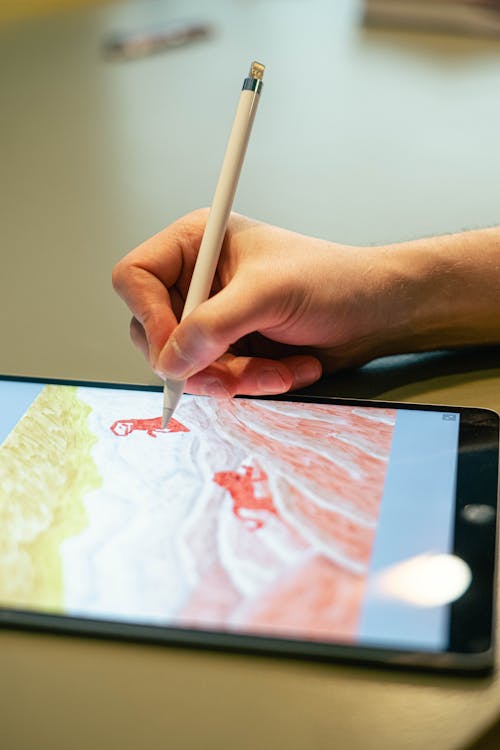
Display tablets, featuring built-in screens, provide more intuitive direct-drawing experiences. The ability to see your artwork where your hand is moving eliminates the coordination adjustment period and feels much closer to traditional drawing. iPad devices, particularly the iPad Pro with Apple Pencil, have become increasingly popular for manga work. Wacom’s Cintiq and Huion’s Pen Display series offer other professional-grade options, though at higher price points.
Pressure Sensitivity and Responsiveness
Graphics tablets’ pressure sensitivity, measured in levels of recognition, directly affects the quality of digital artwork. Modern tablets typically offer 8192 or higher pressure levels, providing smooth, natural-feeling linework. Higher pressure sensitivity (16384 levels or more) becomes increasingly important for detailed work where subtle pressure variations create character.
Responsiveness—the tablet’s ability to quickly register and display your input—significantly impacts the drawing experience. Modern tablets with minimal latency feel almost identical to traditional drawing, while tablets with noticeable lag create frustrating delays between hand movement and visual feedback.
Tablet Sizes and Workspace Considerations
Tablet size affects both comfort during extended work sessions and the detail level you can achieve. Larger tablets (15” and above) provide spacious surfaces that reduce hand fatigue and allow comfortable working with full-arm movements. Smaller tablets (around 10”) offer portability and space efficiency, though they can feel cramped during detailed work. Most professional manga creators prefer larger tablets when working from fixed studios.
Manga-Specific Software: Specialized Solutions
While general drawing software like Photoshop can create manga, specialized manga software provides tools and features optimized specifically for manga creation. These programs streamline workflows and offer capabilities designed with manga’s unique requirements in mind.
Clip Studio Paint: Industry Standard
Clip Studio Paint has become the overwhelming favorite among professional manga creators worldwide. This software was specifically designed for comic and manga production, featuring tools and workflows aligned with industry standards. The software excels at creating clean inking, applying screen tones, managing multiple layers, and handling the technical requirements of manga page creation.
Clip Studio Paint offers both subscription and one-time purchase options, making it accessible to artists at different budget levels. The software includes extensive brush libraries, perspective rulers, and pre-built comics templates that accelerate workflow. Professional manga studios often standardize on Clip Studio Paint to ensure consistent workflows across teams.
Procreate: iPad-Based Alternative
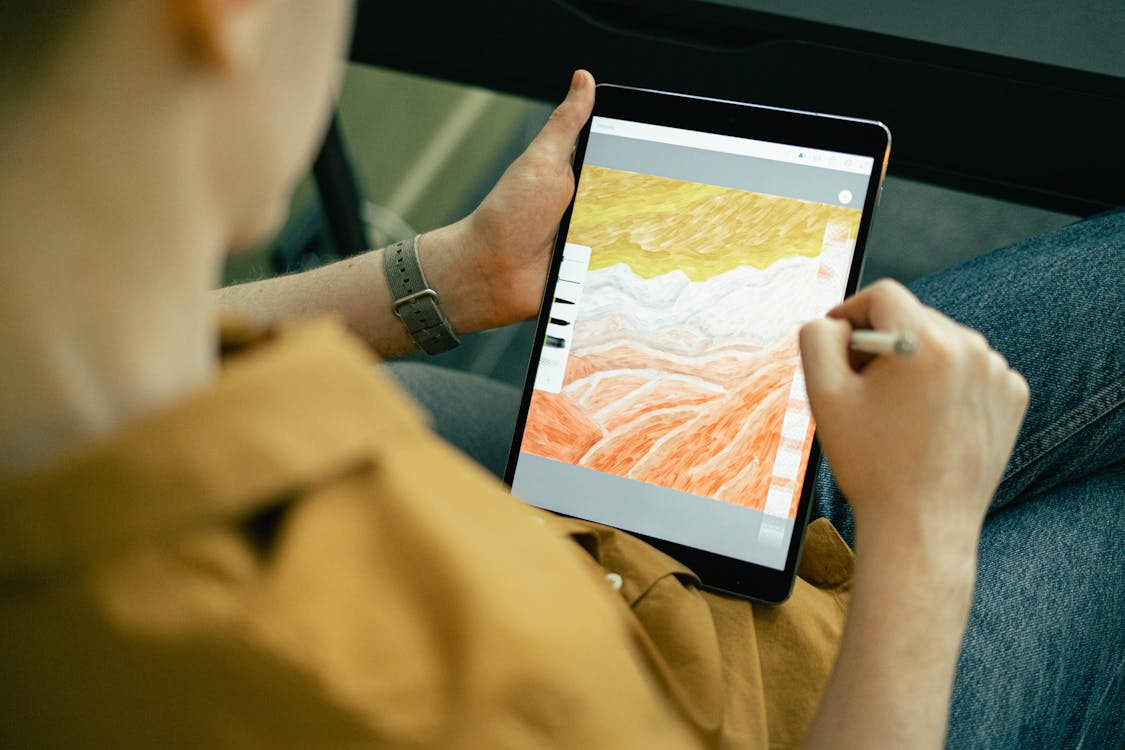
Procreate, available exclusively on iPad, has gained popularity among manga artists preferring tablet-based workflows. The software provides excellent drawing tools, substantial brushing capabilities, and a streamlined interface. While not specifically designed for manga like Clip Studio Paint, many manga creators use Procreate as their primary drawing tool, exporting finished inks to other software for screentoning and final preparation.
Photoshop: Versatile Option
Adobe Photoshop, despite not being designed specifically for manga, remains a viable option for digital manga creation. The software offers powerful tools, extensive customization, and integration with other professional design software. However, Photoshop’s learning curve is steeper than specialized manga software, and it lacks some manga-specific features like automatic screentone application.
Krita and GIMP: Open-Source Alternatives
For artists seeking free options, Krita and GIMP provide functional digital art tools. Krita, an open-source software specifically designed for digital painting and illustration, offers surprisingly robust tools for manga creation. While lacking some professional features, Krita costs nothing and continues improving through community development. GIMP, another free option, provides more limited manga-specific capabilities but can handle basic digital manga work.
Digital Brushes: Customization and Control
Digital brushes dramatically affect the quality of digital manga artwork. Most professional manga software includes extensive default brush libraries, but many artists customize existing brushes or create entirely new ones to match their unique artistic style.
Professional brush libraries offer brushes mimicking traditional manga tools—dip pen simulators that respond to pressure sensitivity with varying line weight, pencil brushes for sketching, and effect brushes for creating screentones and special effects. Understanding brush settings like opacity, scatter, and texture helps artists fine-tune brushes for their specific needs.
Screentoning Software: Digital Tones and Effects
Digital screentoning has largely replaced traditional adhesive screentones in professional manga workflows. Software like Clip Studio Paint includes screentone libraries with hundreds of patterns and tonal values. Digital screentoning offers advantages over traditional methods: unlimited patterns without physical limitations, non-destructive editing allowing pattern adjustments after application, and the ability to create effects impossible with traditional screentones.
Hybrid Workflows: Combining Traditional and Digital
Many contemporary manga creators use hybrid workflows combining traditional and digital tools, leveraging each medium’s strengths while minimizing weaknesses. These approaches have become increasingly common as digital tools have improved.
Traditional Inking with Digital Screentoning
This hybrid approach involves creating traditional inked artwork on paper, then scanning and applying digital screentones in software. This workflow preserves the tactile qualities and line character of traditional inking while gaining digital screentoning’s flexibility and efficiency. Manga created this way often displays distinctive line quality that purely digital approaches struggle to replicate.
The process requires careful scanner settings to capture traditional artwork’s tonal range accurately. Professional manga scans typically use 600 DPI or higher resolution, capturing fine detail necessary for screentone application. After scanning, artists adjust levels, remove paper texture if desired, and apply digital screentones to create finished pages.
Digital Drawing with Traditional Screentones
Some artists prefer drawing digitally but applying traditional screentones to finished digital artwork printed at full size. This approach combines digital drawing’s efficiency and flexibility with traditional screentone’s distinctive visual character. While less common than other hybrid approaches, this method offers unique aesthetic qualities appealing to artists valuing screentone texture.
Entirely Digital Workflows
Many contemporary manga creators work entirely digitally, from sketching through final page completion. This approach streamlines production, reduces physical material requirements, and provides maximum flexibility for revisions. Digital workflows can be faster than traditional approaches once artists develop proficiency with their software and hardware.
The trade-off is that entirely digital workflows require substantial investment in appropriate technology and extended learning periods to develop sufficient proficiency. Many artists who transition to digital workflows initially experience productivity decreases as they adapt to new tools and processes.
Budget Considerations and Getting Started
Understanding tool costs helps artists make informed decisions about their initial investments and long-term equipment purchasing.
Beginner-Friendly Budgets
Artists starting their manga journey can begin with minimal investment. Basic supplies—sketchbook, mechanical pencils, erasers, and a few inexpensive pens—cost under $50. As artists develop skills and identify their preferred workflows, they can gradually invest in higher-quality tools.
Digital beginners might start with free software (Krita or GIMP) and a budget graphics tablet ($50-100), deferring larger investments until they’re confident in their chosen path. This approach allows experimentation without excessive financial commitment.
Professional-Level Investments
Professional manga creators typically invest substantially in tools. Complete traditional setups including high-quality paper, numerous nib types, brushes, screentones, and specialty tools can exceed $500. Digital setups with professional-grade tablets and software can cost $1500-3000 or more.
However, professional-quality tools aren’t necessary for creating excellent manga. Many successful manga creators use relatively modest tool collections, prioritizing quality over quantity. Beginning with essential tools and expanding based on actual workflow needs makes financial sense.
Choosing Your Tools: A Practical Framework
Selecting tools depends on multiple factors including budget, artistic preference, workspace constraints, and production volume requirements. Consider these factors when making equipment decisions:
Artistic Style: Your natural drawing style might suit traditional or digital approaches. Artists with expressive, gestural styles might prefer traditional inking’s tactile feedback, while those favoring precise, controlled linework might prefer digital tools.
Production Volume: Artists creating manga pages regularly benefit from tools optimizing speed and efficiency. Digital workflows generally accelerate production once proficiency develops, while traditional approaches maintain consistent workflow regardless of skill development stages.
Learning Curve Tolerance: Digital tools have steeper learning curves but offer greater flexibility once mastered. Traditional tools feel more intuitive for most artists but offer less flexibility for revisions.
Budget Reality: Honest assessment of available funds prevents frustration. Starting with affordable tools and upgrading gradually allows experimentation without excessive initial investment.
For more information about manga creation techniques and tools, explore our detailed guide to drawing tablets for manga and our comprehensive inking techniques tutorial. If you’re beginning your manga journey, check out our comprehensive guide to becoming a mangaka.
The tools you choose ultimately matter less than your commitment to developing your craft. Excellent manga has been created with humble tool collections throughout history. The most important investment is time spent practicing, studying your craft, and developing your unique artistic voice.
Related Articles
6 Best Drawing Tablets for Manga Artists in 2026 (Tested & Compared)
We compared the 6 best drawing tablets for manga art — from Wacom to Huion to iPad. Full reviews, pros/cons, comparison table, and our honest pick for every budget.
Best Apps to Read Manga in 2025: Free and Paid Options Compared
Find the best manga reading apps for 2025. Compare Manga Plus, Viz, Shonen Jump, Crunchyroll Manga, and more with prices, libraries, and features.

7 Best Manga Box Sets Worth Buying in 2026 (Reviewed & Compared)
We tested and compared the 7 best manga box sets on Amazon. Full reviews with pros, cons, and our honest opinion on which box set is worth your money.
